German-side comms / ION 2027

One net.
Get connected.

A good radio is only half the setup. The right programming, clear audio, and a team that knows the plan make it work.

Our digital command setup is built around DMR, including Baofeng handhelds and an AnyTone base station. Bringing your own? Let us check the exact model before the event.

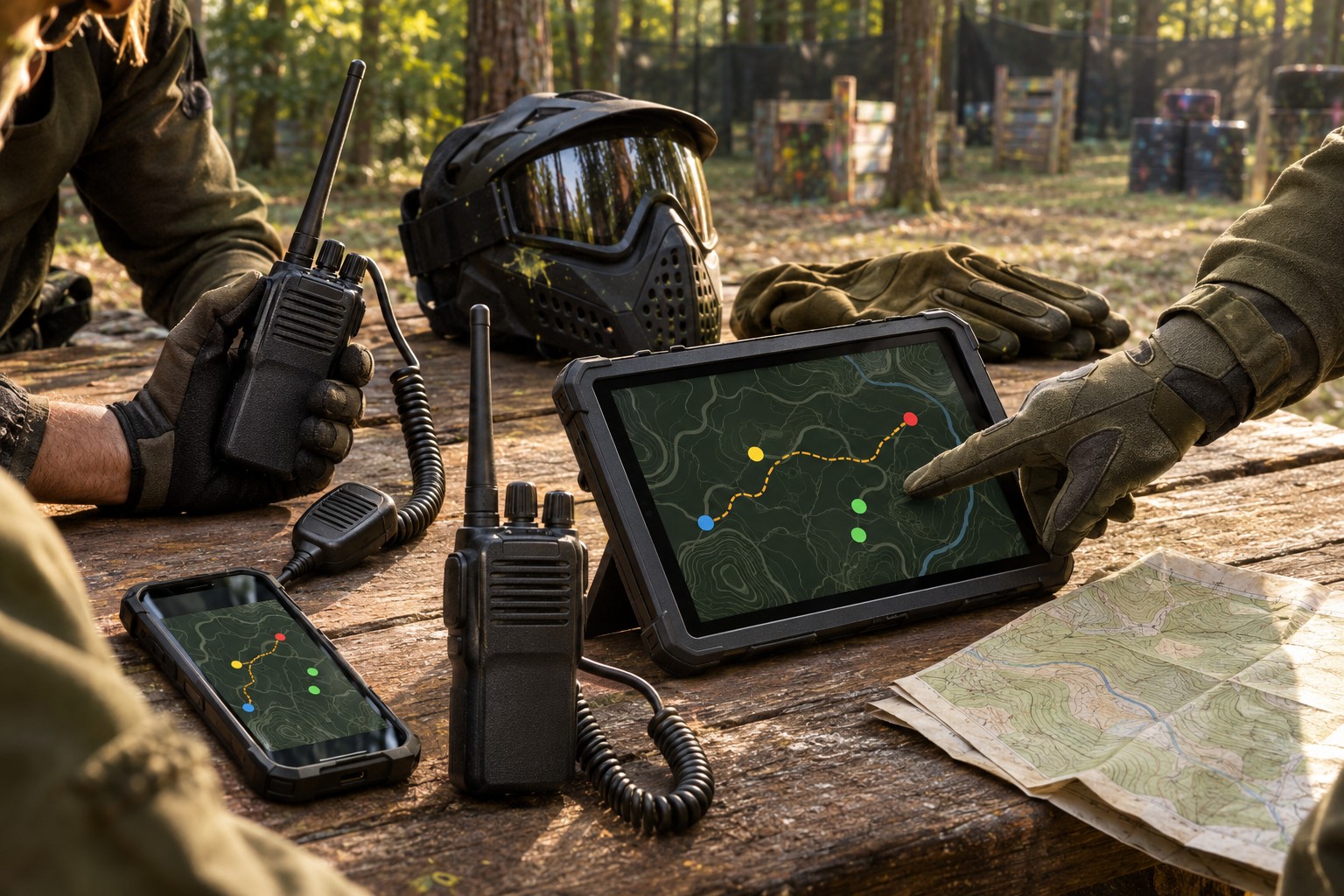
Concept illustration of radios and shared maps on a paintball team briefing table
Original AI-generated concept imagery · Equipment shown is illustrative.

01 / Choose the right radio

DMR first.
Exact model matters.

Our handheld reference is the Baofeng DM-1701, with an AnyTone AT-D578-series radio at HQ. Other compatible DMR radios can be considered after a support check. A brand name or a “digital” label alone does not confirm compatibility.

Team handheld referenceBAOFENG

DM-1701

A DMR handheld already specified in our team setup. A practical starting point when discussing your setup with the radio team.

  • Confirm the exact model and current firmware.
  • Bring its compatible programming cable and charger.
  • Tell support whether it runs stock firmware or OpenGD77.
Manufacturer details ↗
Personal DMR optionANYTONE

AT-D878UVII Plus

A DMR handheld option for players who want their own radio. Have support confirm the exact variant and programming path before buying.

  • Existing AnyTone owners: send the full model suffix.
  • Use software matched to your model and firmware.
  • HQ’s AT-D578-series mobile is the base-station role, rather than a handheld purchase requirement.
Manufacturer details ↗
Retevis DMR optionRETEVIS

RT3S

A Retevis digital-and-analog DMR handheld to ask support about. Confirm compatibility and the exact version before purchasing.

  • Check the model label, not just the listing title.
  • Bring the correct cable for that specific radio.
  • A model-specific codeplug and a radio-to-radio test are still needed.
Manufacturer details ↗
Compact DMR optionRETEVIS

MateTalk P3

A compact digital-and-analog DMR option for the German-side setup, with straightforward controls for field use.

  • Have support prepare the model-specific programming.
  • Bring its compatible cable, charger, and audio accessory.
  • Complete a radio-to-radio check after final event settings are loaded.
Manufacturer details ↗

Before you spend: ask the radio team to check band coverage, DMR compatibility, exact hardware version, programming support, and suitability for the event’s authorized radio service. These are model suggestions, not a guarantee that every version is cleared for the net.

02 / Programming, without the guesswork

Prepare the radio.
We’ll supply the event details.

A codeplug is the saved setup for a radio: its channels, contacts, groups, zones, and other operating settings. The team maintains the event configuration; you do not need to invent one.

  1. Identify your exact radio.Record the full model, hardware variant, and firmware version. Two radios with similar names may need different files.
  2. Get the right cable and software.Use the manufacturer’s model-specific programming software, often called CPS, and the correct USB driver. A matching plug shape does not guarantee a compatible cable.
  3. Read and save a backup first.Save the radio’s existing configuration before making changes. Keep your own copy so it can be restored if needed.
  4. Let support confirm the write.Do not load another model’s codeplug or change firmware just to match a guide. Tell us if your radio has been modified so we can use the right workflow.
  5. Complete the event-day check.Receive the final configuration and assigned identity, then test transmit, receive, and headset audio with the radio team before going on the field.

03 / Pre-event assistance

Ask early.
Arrive ready.

We can offer assistance before the event with model checks, cables and software, configuration backups, programming preparation, and audio accessories. Reach out to your German-side squad lead or team organizer through your existing team communication channel to arrange help.

Send us these details

  • Manufacturer and exact model, including its suffix.
  • Firmware version and whether it has been modified.
  • A photo of the model label, with serial numbers covered.
  • Which cable, charger, battery, and headset you have.
  • What you need help with and when you are available.

Bring these to check-in

  • Charged radio and a charged spare battery, if available.
  • Your charger and model-compatible programming cable.
  • Your speaker mic or headset, ready to test with your mask.
  • A backup of your current configuration, if you have one.
  • Enough time for final setup and a two-way radio check.
On the day of the event

Check in. Get your settings. Check your comms.

Visit German HQ before heading onto the field. The radio team will provide the specific event information, confirm your setup and operating authorization, and direct you to the correct net. Pre-event help gets the equipment ready; final event details are issued that day.

04 / Quick answers

Before you key up.

Does any digital radio work?

No. DMR, D-STAR, System Fusion, P25, NXDN, and other digital systems are not interchangeable. We are preparing for DMR; support must check your exact radio, band coverage, features, and configuration.

Can I use any Baofeng or AnyTone?

Check the model, not the badge. For example, the Baofeng DM-1701 is DMR-capable; many other Baofeng handhelds are analog. Bring your exact model details to the radio team before purchasing or programming.

Will you publish the event codeplug here?

No. This is the public preparation guide. Specific event settings and final programming information will be provided to the German team on the day of the event.

Should I install OpenGD77 or update firmware?

Ask support first. Tell us what is already installed. Stock firmware and modified firmware can use different software and file formats, and a firmware change is not required just to request assistance.

Does DMR mean I can transmit without a license?

No. Digital mode does not grant permission to transmit. The radio team must confirm the event’s licensing arrangements, operator authorization, and the suitability of your exact radio before use. Do not assume event participation or a programmed radio authorizes transmission.

What audio accessory should I bring?

A compatible shoulder speaker mic is a useful starting point. An earpiece can help you hear in a noisy game. Test the connector, push-to-talk button, cable routing, and voice clarity while wearing your mask; do not assume every two-pin accessory fits every radio. Turn off voice-activated transmit unless the radio team directs otherwise.
Model information checked November 4, 2026 against the manufacturer links above. Programming resources: AnyTone downloads · Baofeng DM-1701 · Retevis RT3S support · Retevis P3 support. Use the download for your exact model and firmware.